
Introduction
Artificial intelligence is changing video creation faster than ever. From YouTubers to marketers, everyone wants tools that save time while producing professional-quality content. One platform gaining attention lately is the vidrush ai tool. But many creators still ask important questions:
- Is the vidrush ai tool free or paid?
- What makes it different from other AI video generators?
- Which vidrush ai alternative is better for beginners?
If you are searching for honest answers instead of overhyped marketing claims, this guide breaks everything down in a practical and easy-to-understand way.
What Is Vidrush AI Tool?
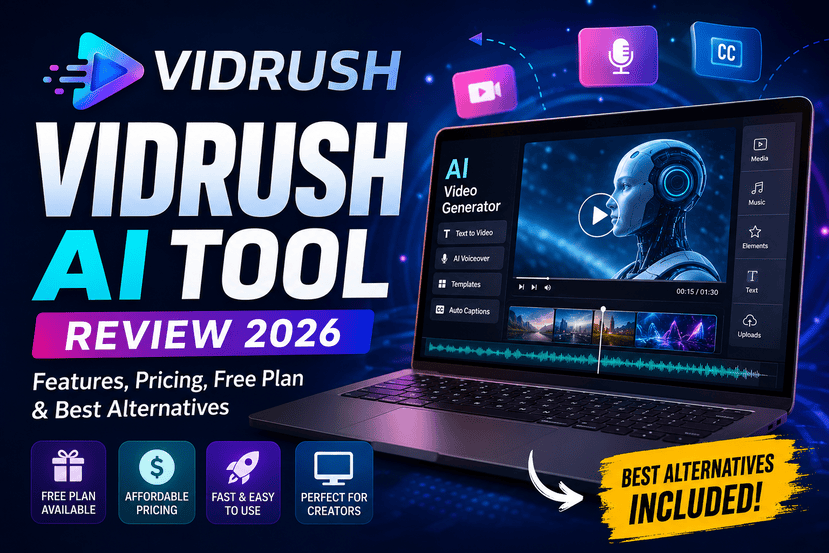
The vidrush ai tool is an AI-powered content creation platform designed to help users generate videos quickly using automation. It combines text-to-video technology, AI voiceovers, editing assistance, templates, and automation features into one dashboard.
The platform mainly targets:
- YouTubers
- TikTok creators
- Instagram Reels creators
- Affiliate marketers
- Digital agencies
- Online educators
Instead of spending hours editing manually, users can create videos using prompts, scripts, or templates.
Many AI video platforms promise instant viral content, but Vidrush focuses more on speed and workflow simplification.
Why AI Video Tools Are Growing So Fast ?
According to Statista, video content continues to dominate social media engagement globally. Short-form content platforms like TikTok, YouTube Shorts, and Instagram Reels have pushed creators toward faster production systems.
This is where tools like Vidrush become useful.
AI-powered editors now help creators with:
- Script generation
- Voice cloning
- Auto captions
- Scene transitions
- AI avatars
- Background music
- Stock footage integration
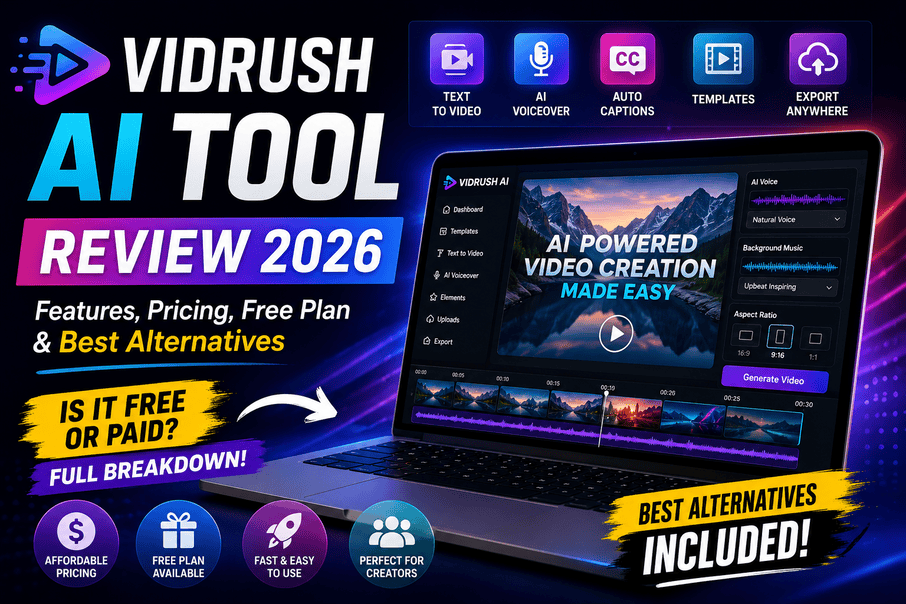
Instead of needing a full editing team, a single creator can produce content in minutes.
Key Features of Vidrush AI Tool
1. Text-to-Video Generation
One of the strongest features of the vidrush ai tool is its text-to-video capability.
Users can:
- Paste a script
- Choose a template
- Select voice and visuals
- Generate a complete video automatically
This is especially useful for faceless YouTube channels.
2. AI Voiceovers
The platform offers AI-generated voices in multiple tones and accents. This helps creators avoid recording audio manually.
Good AI voiceovers matter because robotic narration often reduces audience retention.
3. Ready-Made Templates
Templates speed up production for beginners.
Popular categories include:
- Motivation videos
- Finance content
- Tech reviews
- Product ads
- Educational explainers
Templates are useful if you want consistency across multiple uploads.
4. Social Media Optimization
Many creators struggle with resizing videos for different platforms.
Vidrush simplifies this by supporting:
| Platform | Supported Format |
|---|---|
| YouTube Shorts | Vertical |
| TikTok | Vertical |
| Instagram Reels | Vertical |
| Facebook Videos | Landscape |
| LinkedIn Videos | Landscape |
This saves additional editing time.
5. AI Script Assistance
The tool also includes AI writing assistance for:
- Video hooks
- Captions
- Descriptions
- CTA generation
- Title ideas
This is particularly useful for creators suffering from content burnout.
Vidrush AI Tool Is Free or Paid?
This is one of the most searched questions online: “vidrush ai tool is free or paid?”
The answer is: both.
Most AI video tools follow a freemium model, and Vidrush appears to operate similarly.
Free Version
The free plan usually includes:
- Limited video exports
- Watermarked videos
- Basic templates
- Restricted AI credits
This is enough for testing the platform.
Paid Plans
Premium subscriptions often unlock:
- HD exports
- No watermark
- Premium templates
- Faster rendering
- More AI credits
- Commercial usage rights
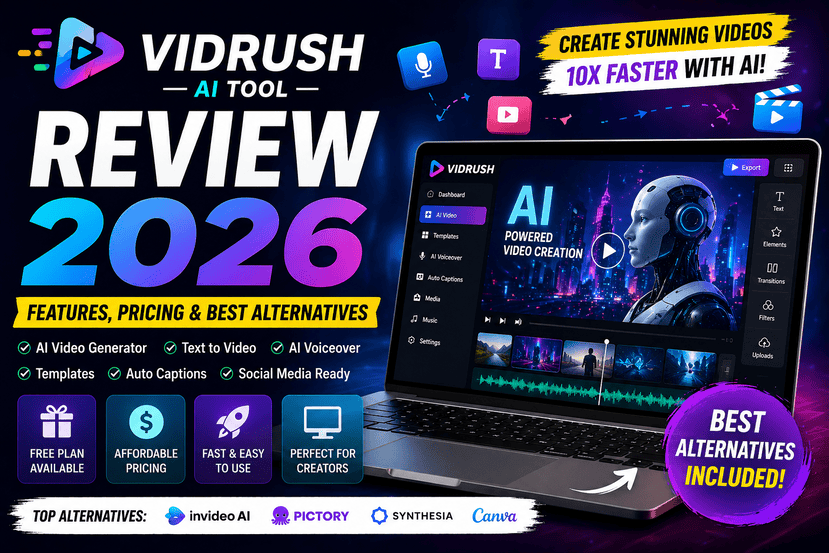
Pricing may vary over time, so checking the official website is recommended.
You can explore more about AI video software trends through TechCrunch and HubSpot for broader industry insights.
Pros and Cons of Vidrush AI Tool
Pros
Beginner-Friendly Interface
Even non-editors can create videos quickly.
Faster Content Production
Automation dramatically reduces editing time.
Useful for Faceless Channels
Ideal for creators using stock visuals and AI narration.
Multi-Platform Compatibility
Easy export options for Shorts, TikTok, and Reels.
AI-Assisted Workflow
Helpful for brainstorming and scripting.
Cons
Limited Free Features
The free plan may feel restrictive for serious creators.
AI Voices Still Need Improvement
Some voices can sound slightly artificial.
Template Dependency
Videos may look repetitive if overusing templates.
Internet Dependency
Cloud rendering requires stable internet.
Vidrush AI Tool vs Competitors
Here is a quick comparison with other major AI video tools.
| Tool | Best For | Free Plan | AI Voice | Ease of Use |
|---|---|---|---|---|
| Vidrush AI Tool | Quick social videos | Yes | Yes | Easy |
| Pictory | Long-form to shorts | Yes | Yes | Easy |
| InVideo AI | Marketing videos | Yes | Yes | Moderate |
| Synthesia | AI avatars | Limited | Excellent | Easy |
| Canva AI Video | Beginners | Yes | Basic | Very Easy |
Best Vidrush AI Alternative Tools
If Vidrush does not fit your workflow, several strong alternatives exist.
1. Pictory AI
Pictory is excellent for converting blog posts into videos automatically.
Best Features
- Auto summarization
- AI captions
- Blog-to-video conversion
Best For
Content marketers and bloggers.
2. InVideo AI
InVideo AI has become extremely popular for YouTube automation.
Strengths
- Huge template library
- AI script generation
- Easy timeline editing
Best For
YouTubers and small businesses.
3. Synthesia
Synthesia focuses heavily on AI avatars and professional presentations.
Ideal Use Cases
- Corporate training
- Educational videos
- Business explainers
4. Canva AI Video
Canva remains one of the easiest tools for beginners.
Why People Like It
- Drag-and-drop simplicity
- Huge design ecosystem
- Affordable pricing
Who Should Use Vidrush AI Tool?
The platform works best for users who prioritize speed over advanced cinematic editing.
Recommended For
YouTube Automation Channels
Especially list videos, motivation channels, and AI narration content.
Social Media Managers
Fast content creation for multiple clients.
Affiliate Marketers
Quick promotional video generation.
Beginners
People without editing experience.
Personal Insight: Where Vidrush Actually Helps
Many creators waste too much time learning advanced editing software when their real goal is publishing consistently.
That is where tools like Vidrush help most.
Instead of obsessing over perfect transitions or cinematic effects, creators can focus on:
- Publishing frequency
- Audience retention
- Better storytelling
- Thumbnail quality
- SEO optimization
AI tools do not replace creativity. They reduce repetitive production work.
The creators who benefit most are the ones who combine AI efficiency with human storytelling.
SEO Benefits of AI Video Tools
AI video software can also improve content marketing performance.
Faster Publishing
More videos mean more opportunities for ranking.
Better Multi-Platform Distribution
One video can be repurposed across several platforms.
Increased Engagement
Short-form content performs well on modern algorithms.
Lower Production Costs
Useful for startups and solo creators.
For broader digital marketing insights, platforms like Search Engine Journal provide valuable SEO research and updates.
Tips for Getting Better Results With Vidrush AI Tool
Write Better Prompts
AI output depends heavily on input quality.
Edit AI Scripts Manually
Human editing improves authenticity.
Use Custom Branding
Avoid generic-looking videos.
Combine AI With Real Storytelling
The best-performing content still feels human.
Optimize Hooks
The first 3 seconds matter most on Shorts and Reels.
Is Vidrush AI Tool Worth It?
For creators needing speed and automation, the vidrush ai tool offers solid value.
It may not replace advanced editors like Adobe Premiere Pro, but that is not its goal.
Instead, it helps users:
- Create content faster
- Reduce editing workload
- Publish consistently
- Scale content production
If your strategy depends on volume and consistency, Vidrush can be useful.
However, if you need cinematic control or professional filmmaking precision, advanced editing suites remain better.
Final Verdict
The AI content creation industry is evolving rapidly, and platforms like the vidrush ai tool are becoming increasingly important for modern creators.
The biggest advantage is efficiency.
Whether you are running a YouTube automation channel, managing social media campaigns, or launching affiliate videos, AI tools can dramatically speed up production.
Still, success does not come from automation alone.
The best creators use AI to assist creativity — not replace it.
If Vidrush feels limiting, there are excellent vidrush ai alternative platforms like Pictory, InVideo AI, and Synthesia that may better match your workflow.
FAQs
What is the vidrush ai tool used for?
The vidrush ai tool is mainly used for AI-powered video creation, including text-to-video generation, voiceovers, templates, and social media content production.
Vidrush ai tool is free or paid?
Vidrush offers both free and paid plans. The free version usually includes limited exports and watermarks, while premium plans unlock advanced features.
What is the best vidrush ai alternative?
Popular alternatives include Pictory AI, InVideo AI, Synthesia, and Canva AI Video.
Is Vidrush good for YouTube automation?
Yes. It is especially useful for faceless YouTube channels and short-form content creators.
Can beginners use Vidrush AI tool?
Yes. The interface is beginner-friendly and designed for users with limited editing experience.
Call To Action
Have you tried the vidrush ai tool yet? Share your experience in the comments and let others know whether it improved your workflow. Also explore other AI content tools to find the best fit for your creative strategy.